

Open the website
Visit the Fury of Anubis website in Safari and navigate to the Demo page.
Take the realm of Anubis with you. Fury of Anubis works directly in modern mobile browsers, giving smartphone and tablet users access to the same 6×5 grid, Scatter Pays, tumbles, and progressive multipliers available on desktop.
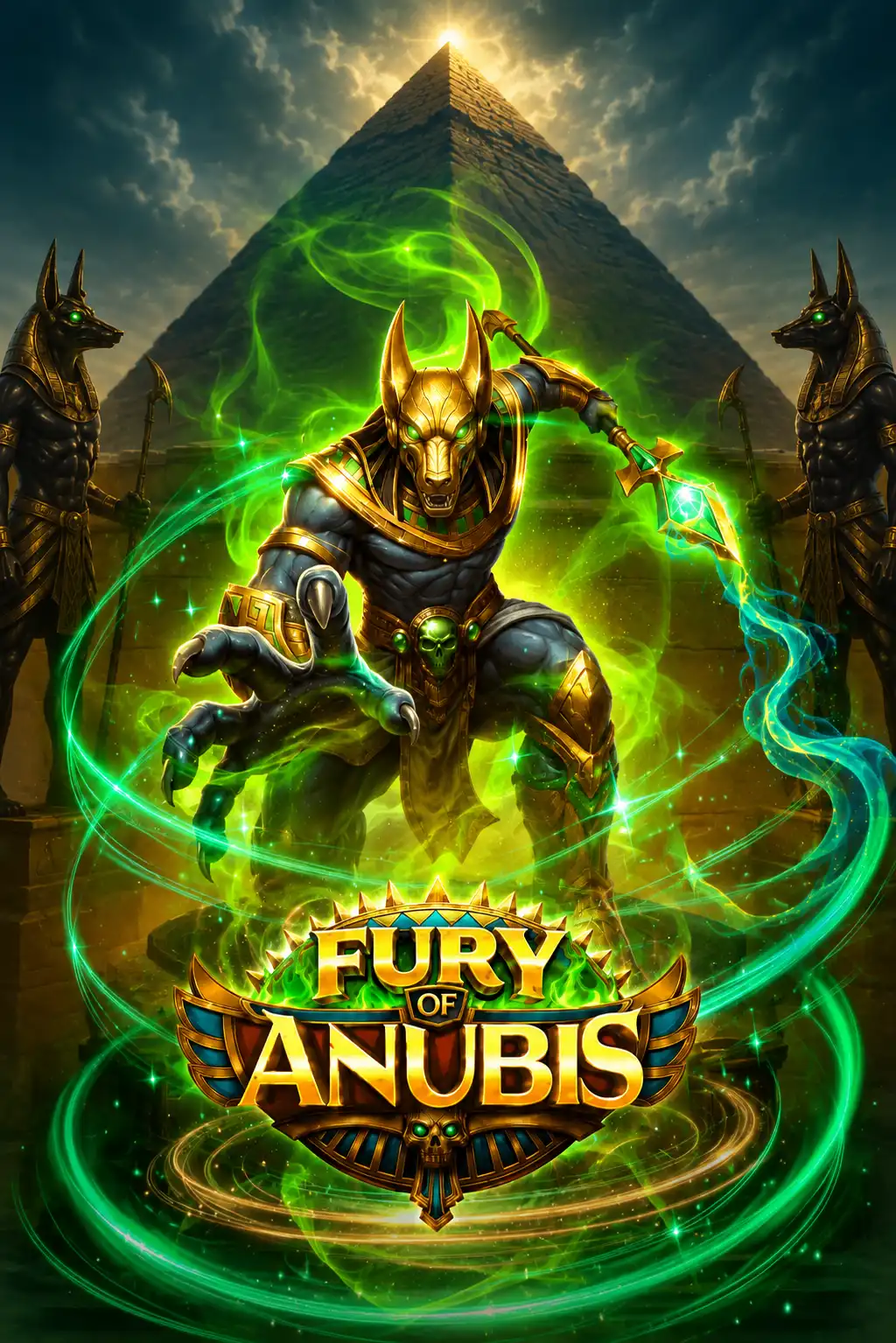
Fury of Anubis does not require a dedicated application from the Apple App Store or Google Play. The game runs in a compatible browser without installing additional software.
This browser-first approach provides several practical advantages:
Avoid unofficial Fury of Anubis APK files. An external installation is unnecessary and may expose your device to modified software or malicious files.
The Fury of Anubis demo can be opened in Safari on an iPhone or iPad. No App Store installation is required.
Visit the Fury of Anubis website in Safari and navigate to the Demo page.
Select Play Demo and wait for the external game frame to initialize.
Tap Open Fullscreen to give the reels more room on the display.
Rotate the device to landscape if you prefer larger symbols and wider controls.
Safari may initially block audio until you interact with the game. Tap inside the game window and check the device volume if sound does not begin automatically.
Android users can open Fury of Anubis through Chrome, Samsung Internet, Firefox, Edge, or another current browser with modern HTML5 support.
Chrome is generally the most convenient option because it supports home-screen shortcuts and receives regular browser updates. If the game does not open, temporarily disable aggressive content blocking for the page and reload it.
You can create a shortcut that opens the website in a similar way to a regular mobile application.
The shortcut does not install the complete game package. It provides faster access to the website and uses very little storage.
The device changes the presentation rather than the fundamental game rules.
| Feature | Mobile Browser | Desktop Browser |
|---|---|---|
| Installation | Not required | Not required |
| Reel layout | Responsive 6×5 grid | Full-width 6×5 grid |
| Demo mode | Available | Available |
| Fullscreen | Supported by compatible browsers | Supported |
| Controls | Optimized for touch input | Mouse or trackpad |
| Portrait mode | Available | Not applicable |
| Landscape mode | Recommended | Standard widescreen view |
| Core mechanics | Unchanged | Unchanged |
Using a smartphone does not inherently change RTP, volatility, symbol probabilities, or the maximum win. However, operators may use different RTP configurations, so the active value should be checked inside the game.
Portrait mode is useful for one-handed browsing and shorter demo sessions. The full grid remains visible, although individual symbols and controls may appear smaller.
Landscape mode gives the reels more horizontal space. It is generally better for following tumble sequences, monitoring the multiplier above the grid, and using the in-game controls. A tablet in landscape orientation provides the most spacious mobile layout.
The mobile demo uses virtual credits and requires no registration or deposit. It lets you explore the gameplay before the real-money release scheduled for June 25, 2026.
The demo can be used to test:
Demo balances and winnings have no monetary value. Free play is intended for learning the rules and checking how the game performs on your device.
The game loads only after you press the button.
No third-party frame until you choose.
Loading demo...
Animated symbols, cascades, multiplier effects, and bonus sequences can place additional demands on older devices. Performance also depends on connection quality.
| Problem | Possible Cause | Recommended Solution |
|---|---|---|
| Game does not load | Content blocker or unstable connection | Disable blocking for the page and reload. |
| Animations stutter | Limited memory or background apps | Close unused apps and browser tabs. |
| Fullscreen does not open | Browser restriction | Tap the control again or try another browser. |
| Sound is unavailable | Muted device or blocked audio | Check volume and tap inside the game. |
| Controls appear small | Portrait orientation | Rotate the device to landscape. |
| Game disconnects | Mobile signal interruption | Switch to a stable Wi-Fi connection. |
| Screen turns off | Short auto-lock setting | Increase the screen timeout temporarily. |
A stable Wi-Fi connection is recommended, particularly for longer sessions. The game downloads graphics, sounds, and animations when first opened and requires an active connection while running.
Animated gameplay can also consume battery more quickly than ordinary web browsing. Start with sufficient charge, reduce excessive screen brightness, and avoid beginning a session if the device is close to powering down.
A stable connection reduces interruptions during loading and bonus sequences.
Long animated sessions can drain a phone faster than normal browsing.
Mobile convenience can make sessions feel shorter than they are.
Use the browser version from a trusted website or a licensed operator. Fury of Anubis does not require an APK, configuration profile, extension, or modified application.
The real-money version is expected to become available through supported operators following the official release on June 25, 2026. Availability will depend on the operator, country, and local regulations.
Before depositing, check the operator's licence, active RTP, stake range, withdrawal conditions, bonus wagering requirements, and responsible gaming controls. Set a spending limit and time limit before opening the game, and never chase losses.
No. Fury of Anubis works directly in a supported mobile browser.
Yes. Safari and Chrome allow you to create a shortcut for faster access.
Yes. The browser version works on current Android smartphones and tablets using a compatible browser.
Yes. iPhone and iPad users can access the demo through Safari without installing additional software.
Yes. It uses virtual credits and requires no registration or deposit.
No. The grid, Scatter Pays, tumbles, multipliers, and Free Spins follow the same rules. Only the interface adapts to the display.
An APK is unnecessary. Avoid unofficial downloads because they may contain modified or malicious software.